
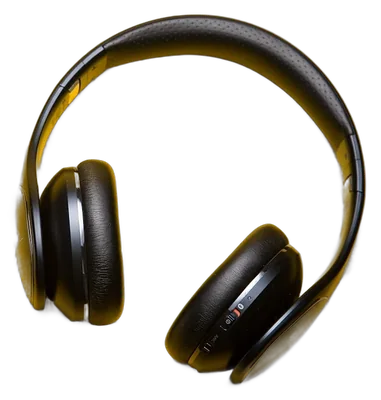
Headphones on yellow paper

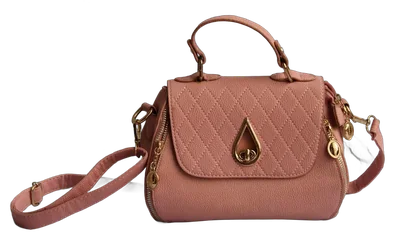
Handbag on marble

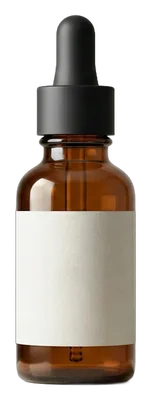
Serum bottle on stone
What are the ways to remove backgrounds from many photos?
Which one suits you depends on how many photos you have and whether they can leave your computer.
| Method | Effort per photo | Photos uploaded? | Best for |
|---|---|---|---|
| Photo editor, by hand | High: select, mask and export each one | No | A few hero shots that need perfect edges |
| Single-image remover, repeated | Low, but one photo at a time | Usually yes | Fewer than ten photos |
| Bulk remover in the browser | Add the folder once | No | Catalogues, listings, whole shoots |
How do you remove the background from 100 photos at once?
- 01Name your files first. File names are kept, so photos named by SKU come back ready to match your listings.
- 02Put one shoot in one folder. Photos taken under the same light come out alike, which makes checking faster.
- 03Add the folder. Open the tool, choose the folder, and let it work through the photos on your device.
- 04Check the hard ones. Flip between original and cut-out on anything with hair, glass or a white product on white.
- 05Pick a background and download. Keep it transparent or choose a colour such as white, then save everything as one ZIP.
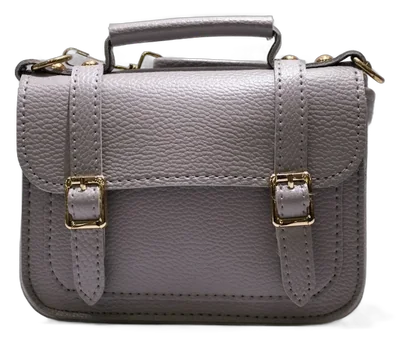
Ready to try it? Open the bulk background remover and add your folder.
Selling on Amazon or Shopify? The white background guide runs 12 product photos through and measures every result.
How many photos should go in one batch?
There is no fixed limit, because the work happens on your own computer. What changes with size is time and memory.
- Group by shoot rather than by count. One session of 300 photos is easier to check than 50 mixed ones.
- On a phone or an older laptop, smaller batches finish sooner and keep the browser responsive.
- Very large downloads are split into ZIP files of up to 2 GB, so nothing fails at the end.
Why do some photos come out worse?
Every cut-out model struggles with the same things. Knowing them tells you which photos to check.
- Low contrast
- A beige bag on a beige wall. Shoot on a backdrop that differs in tone from the product.
- Hair, fur and mesh
- Fine strands blend into the background. Even light and a plain, darker backdrop help.
- Glass and clear plastic
- The background shows through the product. Expect to touch these up by hand.
- Blur and noise
- Soft edges give soft cut-outs. A sharp, well-lit photo cuts cleaner than a very large one.
Frequently asked questions
Is batch background removal the same as bulk?
Yes. Both mean removing the background from many images in one go.
Can I remove backgrounds from 100 photos for free?
Yes. BG Remover Bulk has no fixed limit and no credits, because it runs on your own device.
Will my photos be uploaded?
No. The cut-out model runs in your browser, and your photos never leave your computer.
What should I do with photos that come out badly?
Re-shoot with more contrast if you can. A plain backdrop in a colour the product does not share gives the cleanest edge. Use Retry to run one image again.